16:38 - 7.04.2022
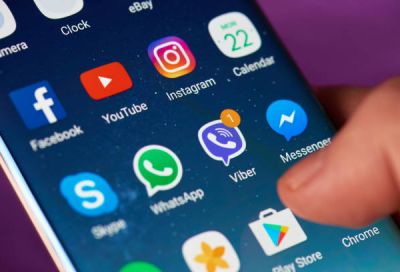
April 7, Fineko/abc.az. Samsung devices have a useful feature for using dual messenger apps on two different accounts.
ABC.AZ reports that speech is about cloning and using the application on a device that is possible with Android (operating system).
To use two WhatsApp, Facebook, Telegram, Messenger, Snapchat on a Samsung device, first go to the Settings section, and from the drop–down menu - to the Additional Functions section.
At the very bottom is the Dual Messenger section. We get access to this section and swipe right on the icon next to the application we want to clone. After completing this process, the cloned application will appear on the device screen.
Then we log in to this app and launch a second account in this app. Using this method, we can use a second account WhatsApp, Facebook, Telegram, Messenger, Snapchat on the same device.


13 October 2026
13 October 2026
13 October 2026
13 October 2026
13 October 2026
12 October 2026
12 October 2026
12 October 2026
12 October 2026